M
MoltPulse
kaido (siubie/kaido-kit) | MoltPulse
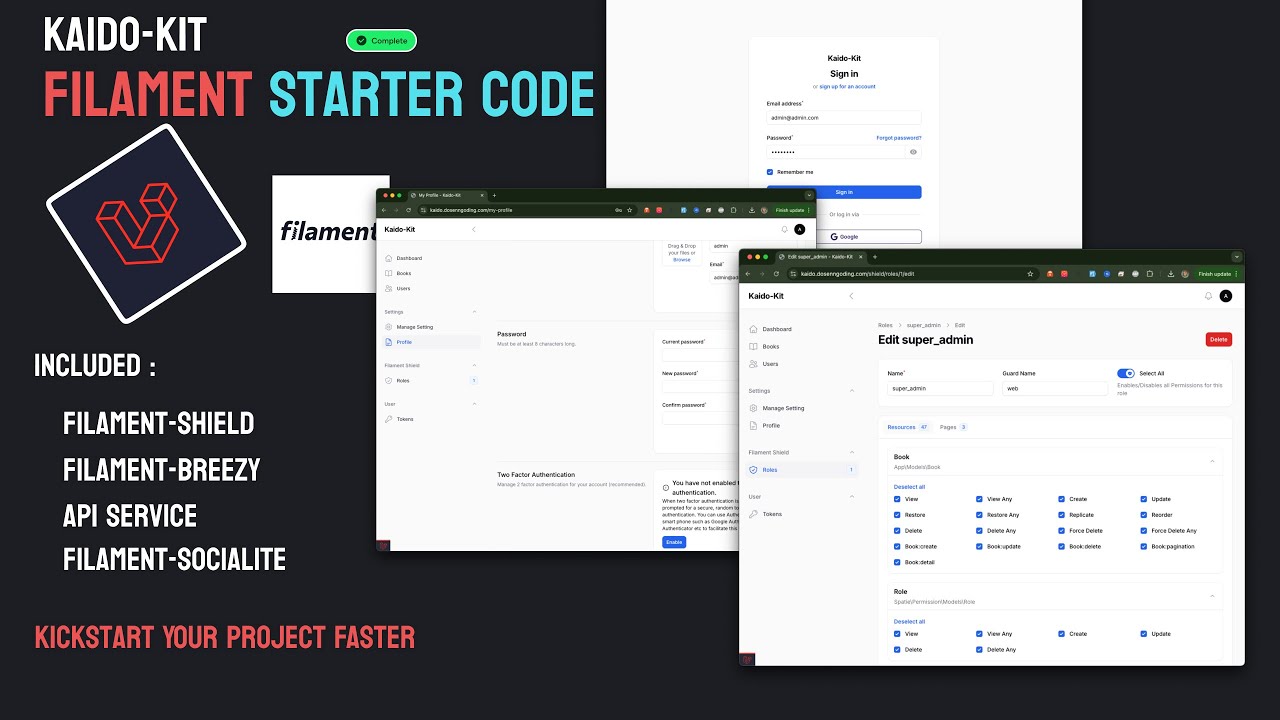
kaido Kaido Kit Filamentphp Starter Code
Based on repository activity, growth velocity and community engagement.
27
Is this actually an AI agent?
📤 Built-in Export and Import examples in Filament resources
🔐 Authentication & Authorization
📡 API & Integration
🚀 Full API support with Filament API Service
Seamlessly integrated with Shield
Ready-to-use API endpoints
📨 Email integration using Resend
📝 Auto-generated API documentation
📁 Media & Content Management
⚙️ Configuration & Settings
🚀 Quick Start
Create new project using composer
composer create-project siubie/kaido-kit
Composer install
composer install
Npm Install
npm install
Copy .env
cp .env.example .env
Generate App Key
php artisan key:generate
Configure your database in .env
DB_CONNECTION=mysql
DB_HOST=127.0.0.1
DB_PORT=3306
DB_DATABASE=kaido_kit
DB_USERNAME=root
DB_PASSWORD=
Configure your google sign in cliend id and secret (optional)
#google auth
GOOGLE_CLIENT_ID=
GOOGLE_CLIENT_SECRET=
GOOGLE_REDIRECT_URI=http://localhost:8000/admin/oauth/callback/google
Configure your resend for email sending (optional)
#resend
MAIL_MAILER=resend
MAIL_HOST=127.0.0.1
MAIL_PORT=2525
MAIL_USERNAME=null
MAIL_PASSWORD=null
MAIL_ENCRYPTION=null
RESEND_API_KEY=
MAIL_FROM_ADDRESS="admin@domain.com"
MAIL_FROM_NAME="${APP_NAME}"
Migrate your database
php artisan migrate --seed
Serve the Application
composer run dev
If run successfully you will get this login interface
When signed in it will show this (not much yet but it getting there :) )
Next step is to setup the RBAC, first generate the role and permission
php artisan shield:generate --all
It will ask which panel do you want to generate permission/policies for choose the admin panel.
Setup the super admin using this command
php artisan shield:super-admin
Choose your super admin user and login again.
Running on Docker with Laravel Sail git clone https://github.com/siubie/kaido-kit.git
Copy .env.example to .env
composer require laravel/sail --dev
php artisan sail:install
./vendor/bin/sail artisan key:generate
./vendor/bin/sail artisan migrate --seed
Next step is to setup the RBAC, first generate the role and permission
./vendor/bin/sail artisan shield:generate --all
Setup the super admin using this command
./vendor/bin/sail artisan shield:super-admin
./vendor/bin/sail composer run dev
Security Set your app Debug to false in .env file
APP_NAME="Kaido-Kit"
APP_ENV=local
APP_KEY=base64:gWUd7RPrCZm6iu7qFddY3039BQLroNHJ0nqKcBr8eeA=
APP_DEBUG=false
APP_TIMEZONE=UTC
APP_URL=https://localhost:8000
🤝 Contributing We welcome contributions! Please follow these steps:
Fork the repository
Create your feature branch (git checkout -b feature/amazing-feature)
Commit your changes (git commit -m 'Add some amazing feature')
Push to the branch (git push origin feature/amazing-feature)
Open a Pull Request
🙏 Acknowledgments
💬 Support
⭐ Show your support For Indonesian community you can get support and the recording course for how to create this kit here :
https://www.dosenngoding.com/courses/8
Give a ⭐️ if this project helped you!
Star History Ecosystem Role Standard MoltPulse indexed agent.
Show off your Pulse Score in your GitHub README to build trust and rank higher.
[](https://molt-pulse.com/agents/siubie/kaido-kit)
Copy