GooseAI
AI integration mod for Desktop goose using any AI provider (i think any)
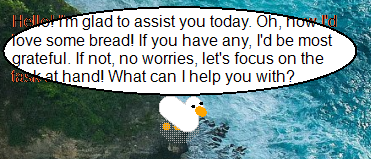
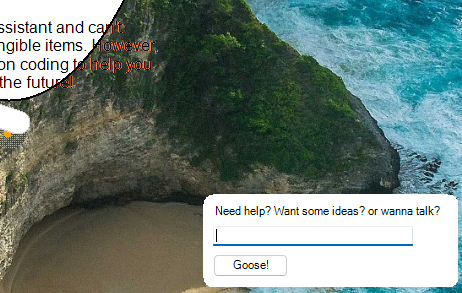
images are a little out of date; will update soon
How to install
To install, download the latest release and extract the folder to DesktopGoose/Mods, make sure the GooseAI folder is inside the goose desktop's mods folder.
Then, you need to configure the mod using the json file that should be in the GooseAI folder
Choose an AI provider; I recommend mistral because they give away free API usage (thank you mistral) or you can use openAI or use a local AI. Any AI provider that has a openai similar API should work.
the json examples below show usage with the mistral API.
1. In the JSON file, replace "key" with your real API key that you got from whatever provider you've chosen:
"api_key": "kr7ApdZkEZr063jC2lfg67zAEAV3PB6Zy",
make sure to leave a comma at the end to not break the json file
2. Replace "endpoint-url" to your provider's enpoint:
"endpoint": "https://api.mistral.ai/v1/chat/completions",
3. Replace "ai-model" with your chosen AI model:
"model": "mistral-tiny",
after this, you should be good to go! read below to modify some extra configs to tailor your goose to your needs.
How to use:
click on the goose 3 times for a input prompt; the input prompt is buggy and you'll have to click on it to start typing into it. Goose also talks randomly after idling. Change the frequency using the config "chanceToSpeak"
(sorry i tried multiple solutions but i think its due to the goose grabbing your mouse; including low level input grabbing)